
Record like it's 1984
Share like it's today
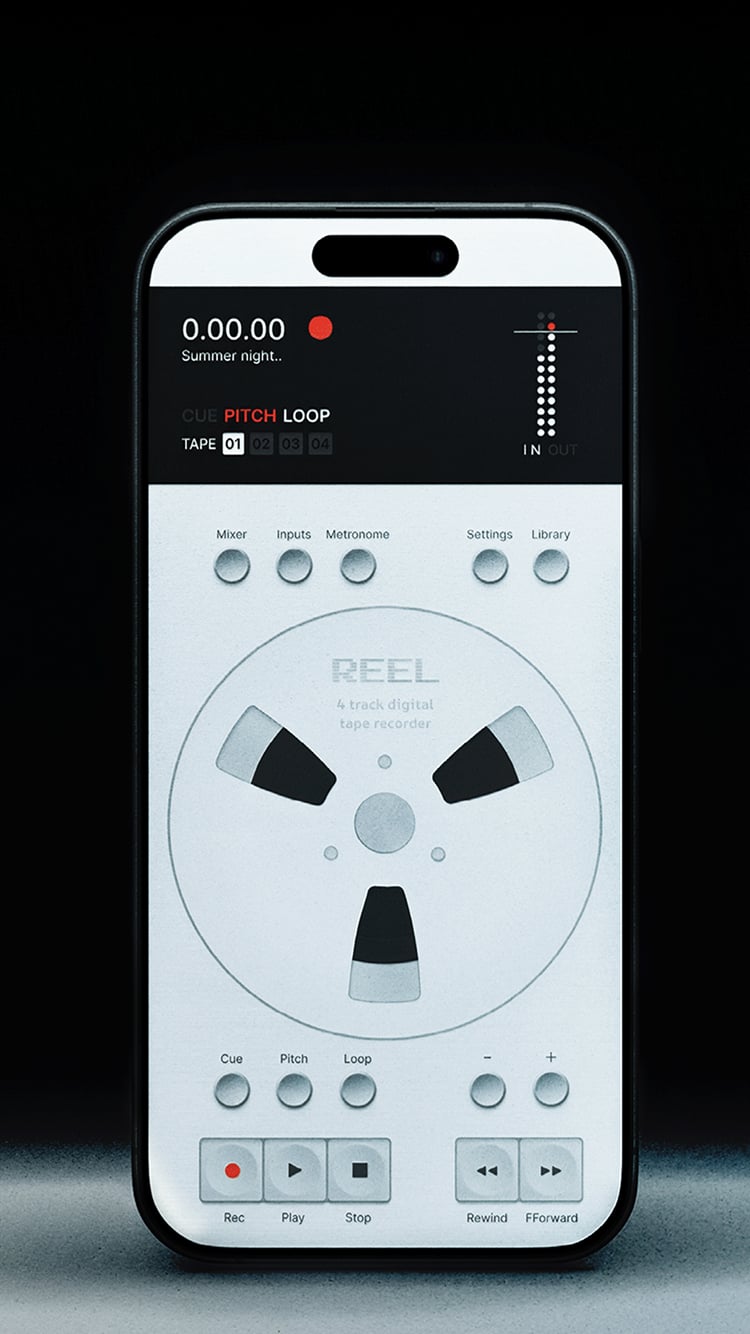
A portable 4-track recorder for iPhone.
Use the built-in mic or connect class-compliant audio devices to record anywhere.
Overdub, loop, pitch and shape ideas with a hardware-inspired workflow.

$14.99 / £14.99 / €17.99
iPhone. iOS 18 required.

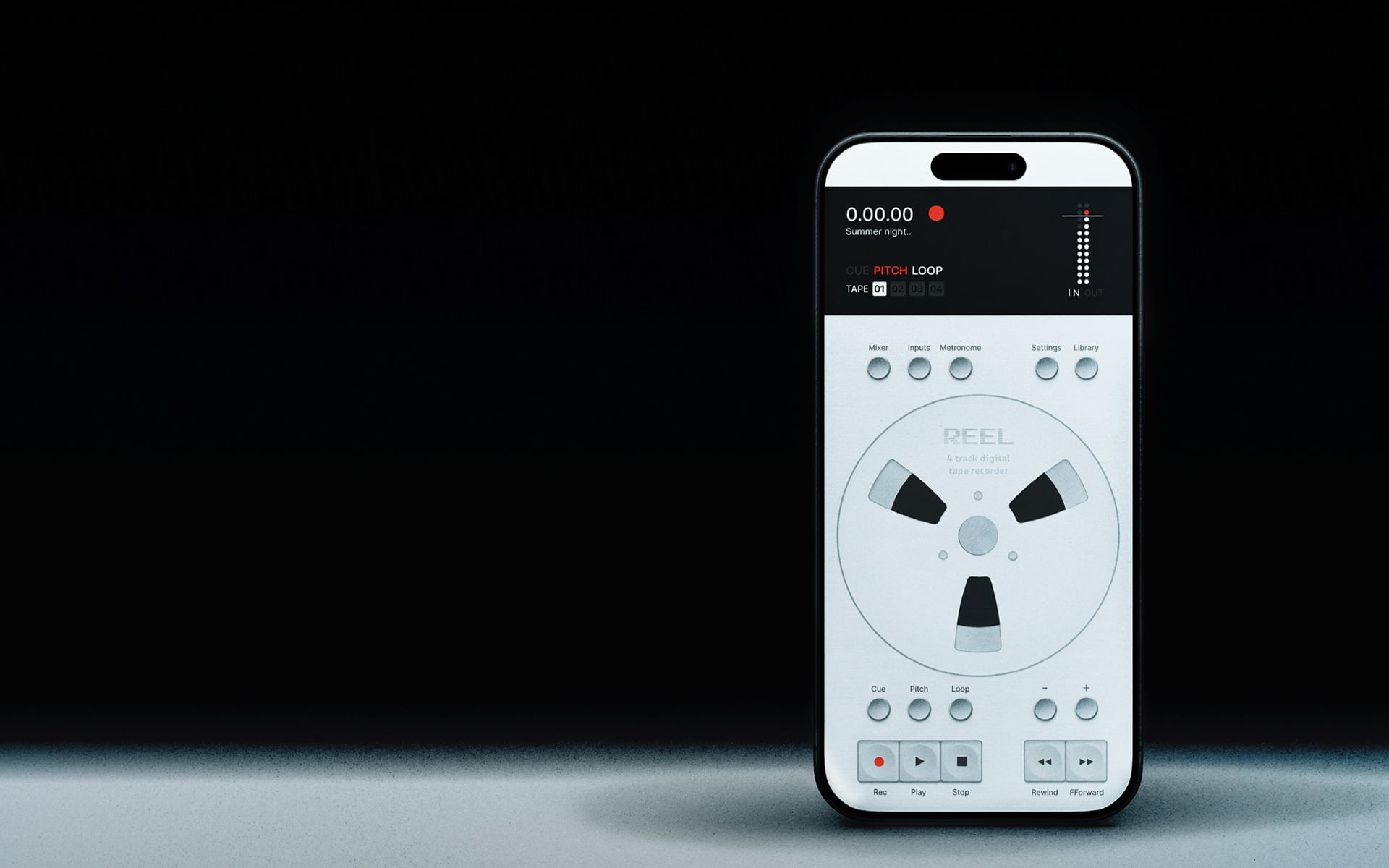
A portable 4-track recorder for iPhone.
Use the built-in mic or connect class-compliant audio devices to record anywhere.
Overdub, loop, pitch and shape ideas
with a hardware-inspired workflow.
$14.99 / £14.99 / €17.99
iPhone. iOS 18 required.

Share like it's today
A portable 4-track recorder for iPhone. Use the built-in mic or connect class-compliant audio devices to record anywhere.
Overdub, loop, pitch and shape ideas with a hardware-inspired workflow.
$14.99 / £14.99 / €17.99
iPhone. iOS 18 required.
No.1 Paid Music App in 33 countries. Top 10 in 71 territories.


Update 1.5 · Out now
The Full Reel Update
46 new improvements. A new mixer, MIDI, reverse,
Master Record and DJ Mode.




See it in action
A quick walkthrough of how Reel works
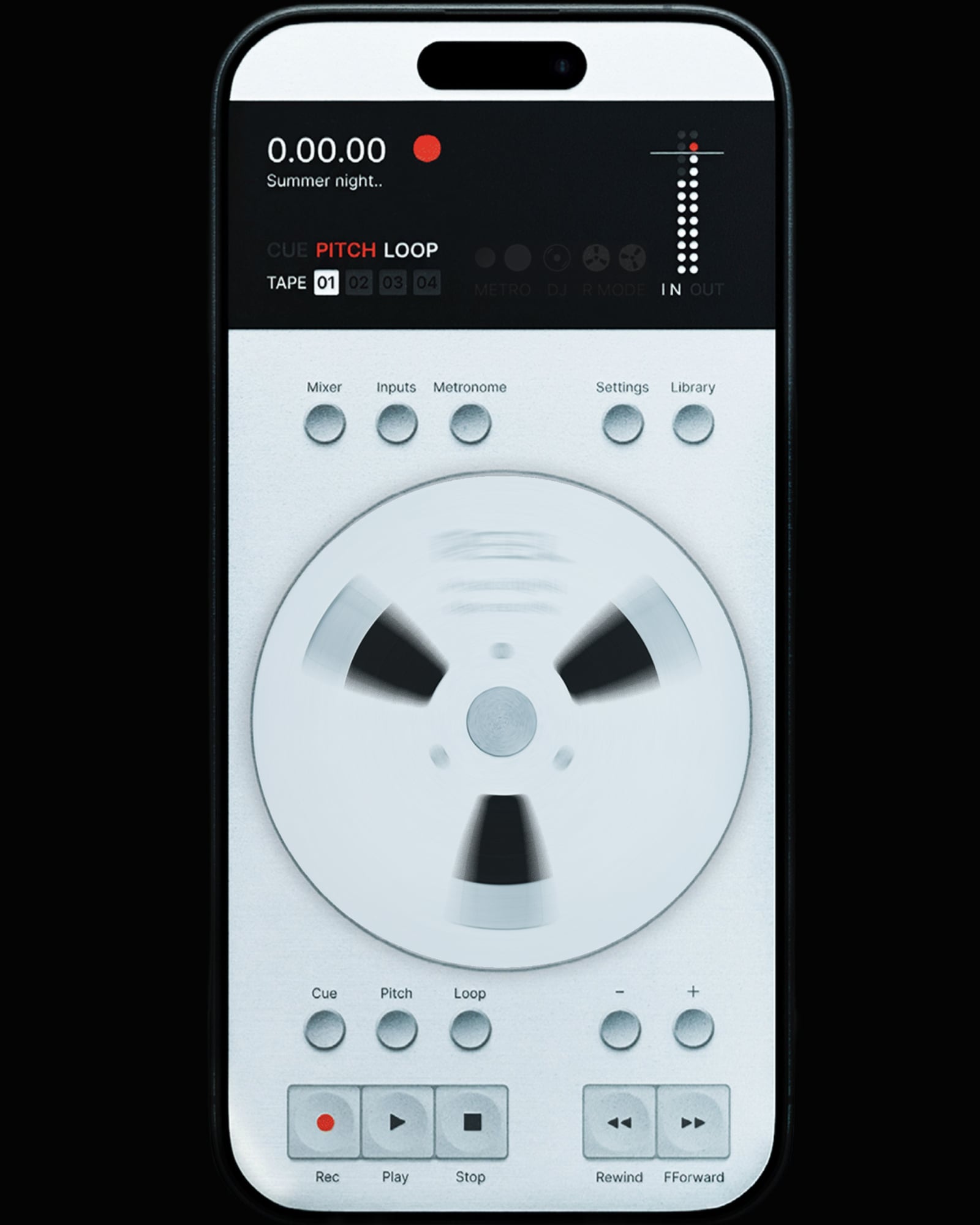
It doesn't feel like an app
Designed around your hands,
not a screen.
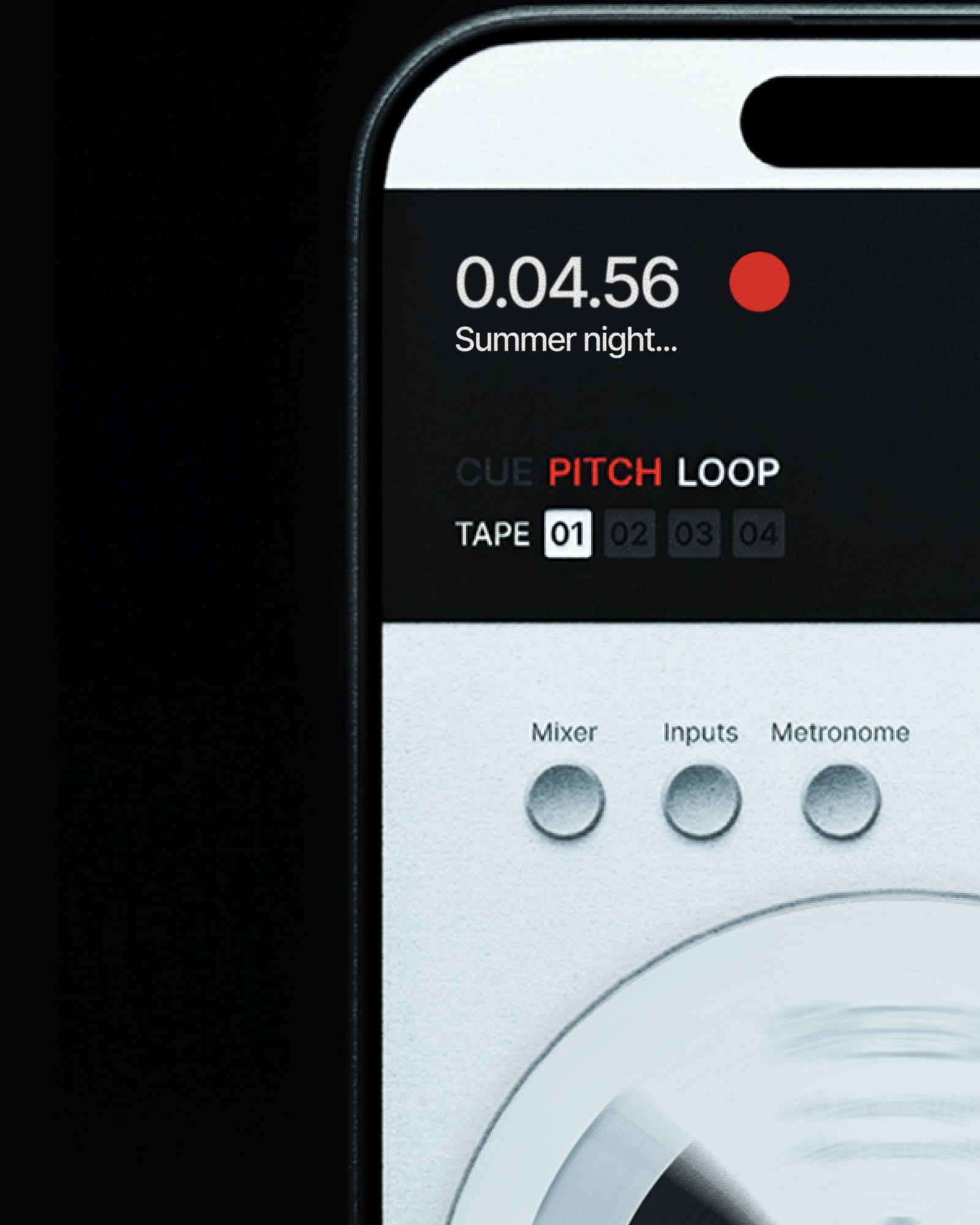
Capture it before it's gone
Voice memo for musicians.
Action button, built for the moment.
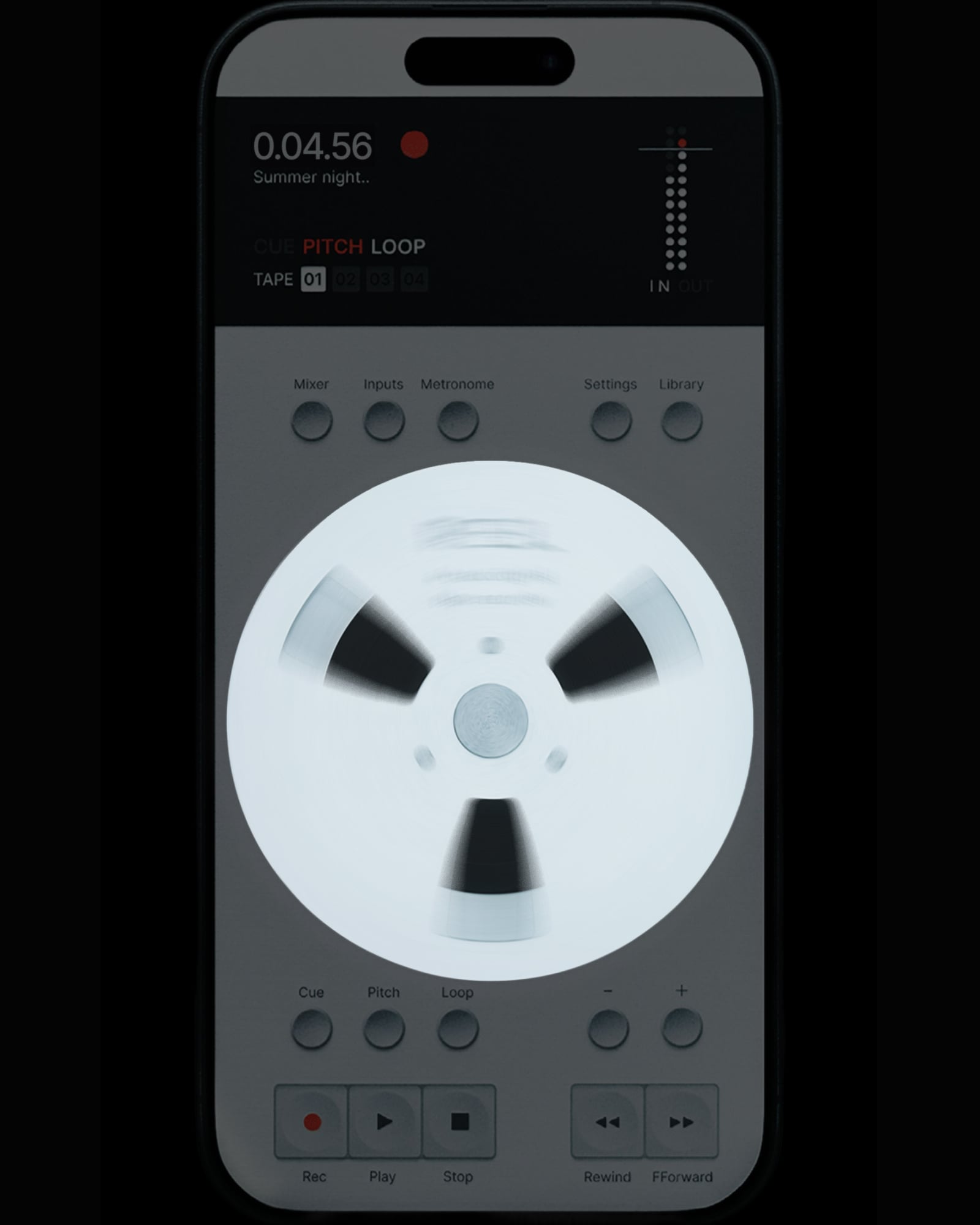
Scrub like a real tape machine
Spin, flick, scratch. Pitch and cue.
With haptic feedback.
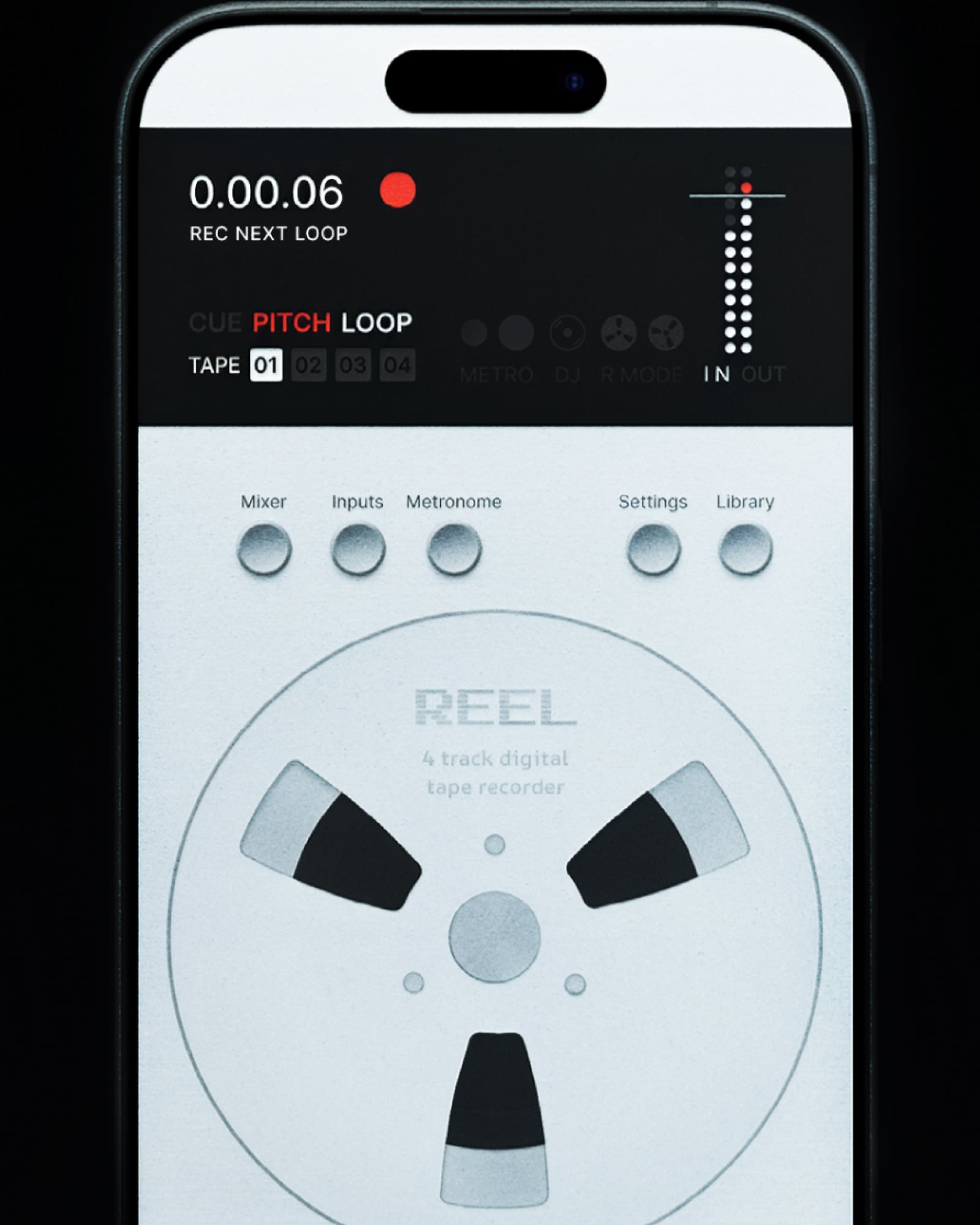
Multitrack and overdub. Loop and layer.
Hit record mid-loop. It drops in on the bar.
Punch in, reverse, bounce. Keep building.
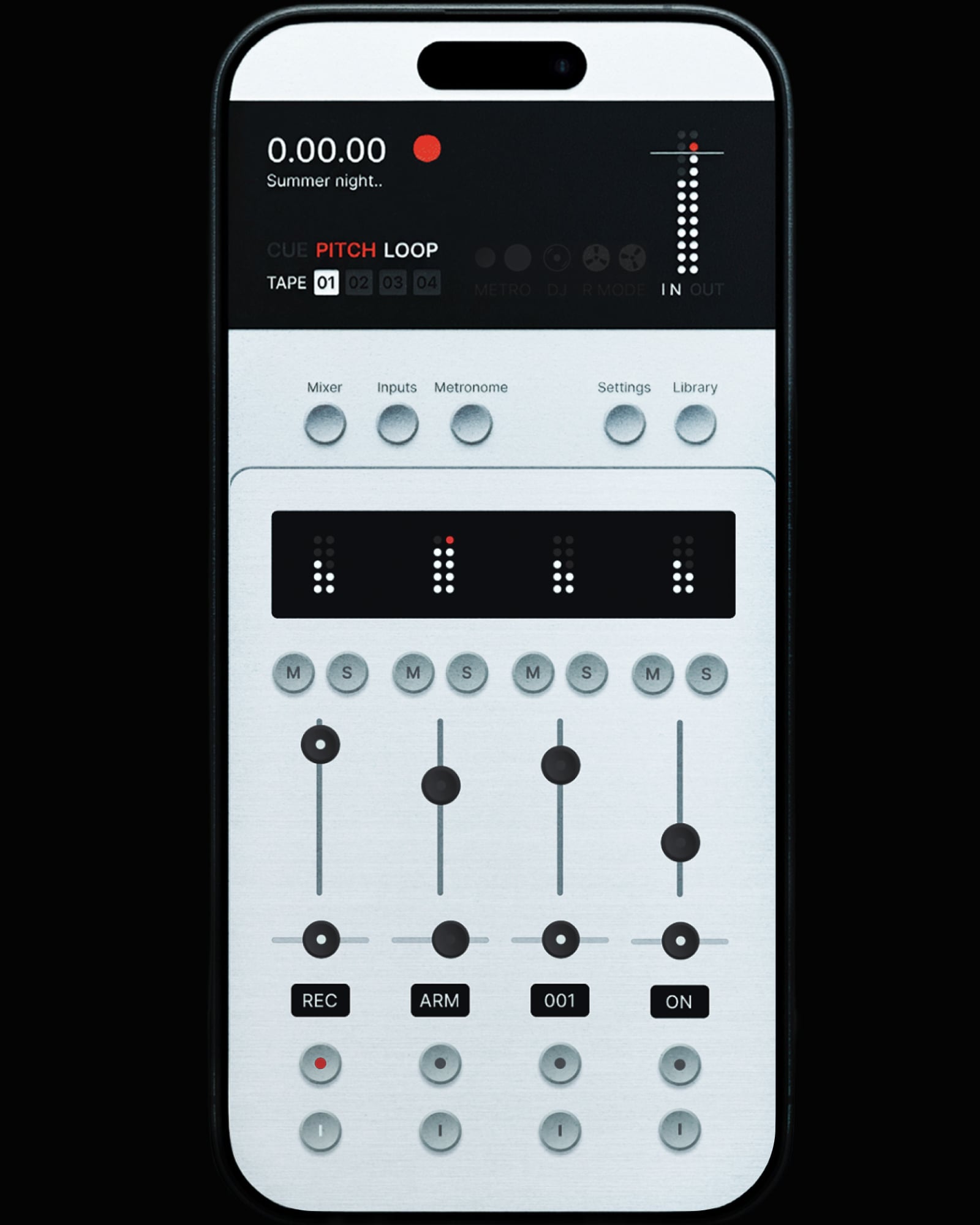
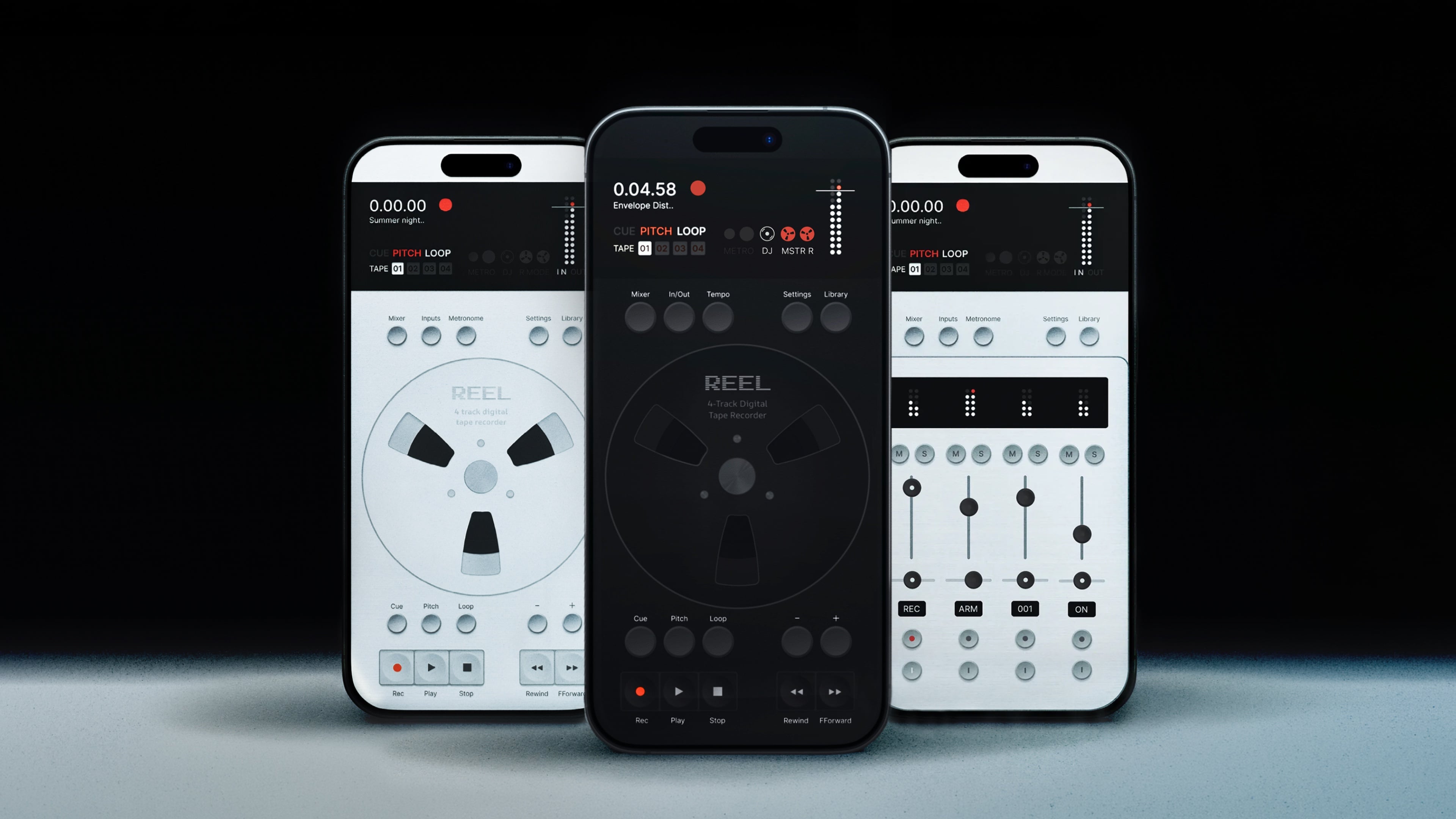
A mixer under your thumb
Meters, gain, pan, solo. Real fader feel.
Every reel remembers its mix.
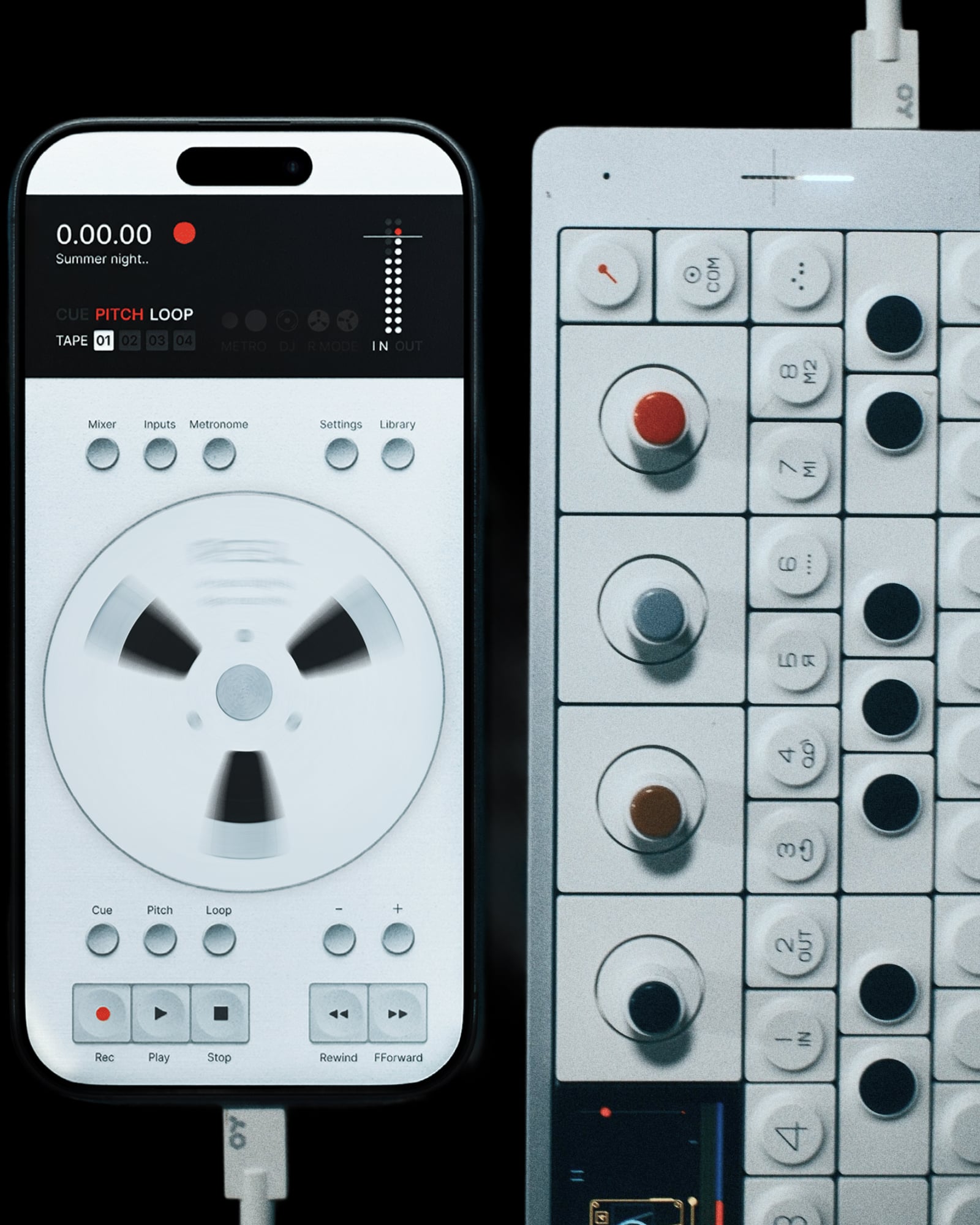
Connect your gear, hit record
Any class-compliant USB audio device.
Up to four tracks in one take.
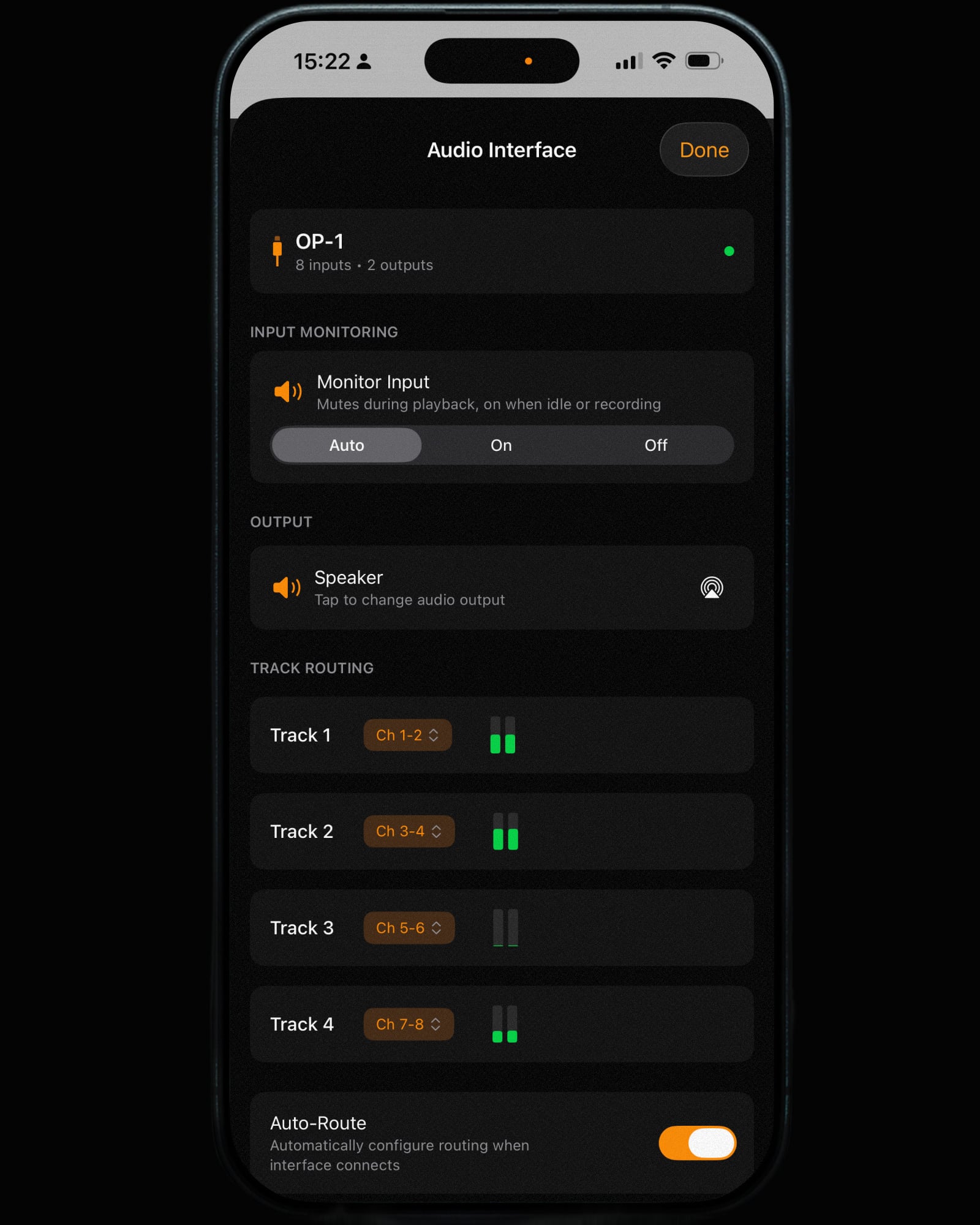
Pro audio routing, out of the box
Connect. Auto-route. Record.
8-in/10-out.
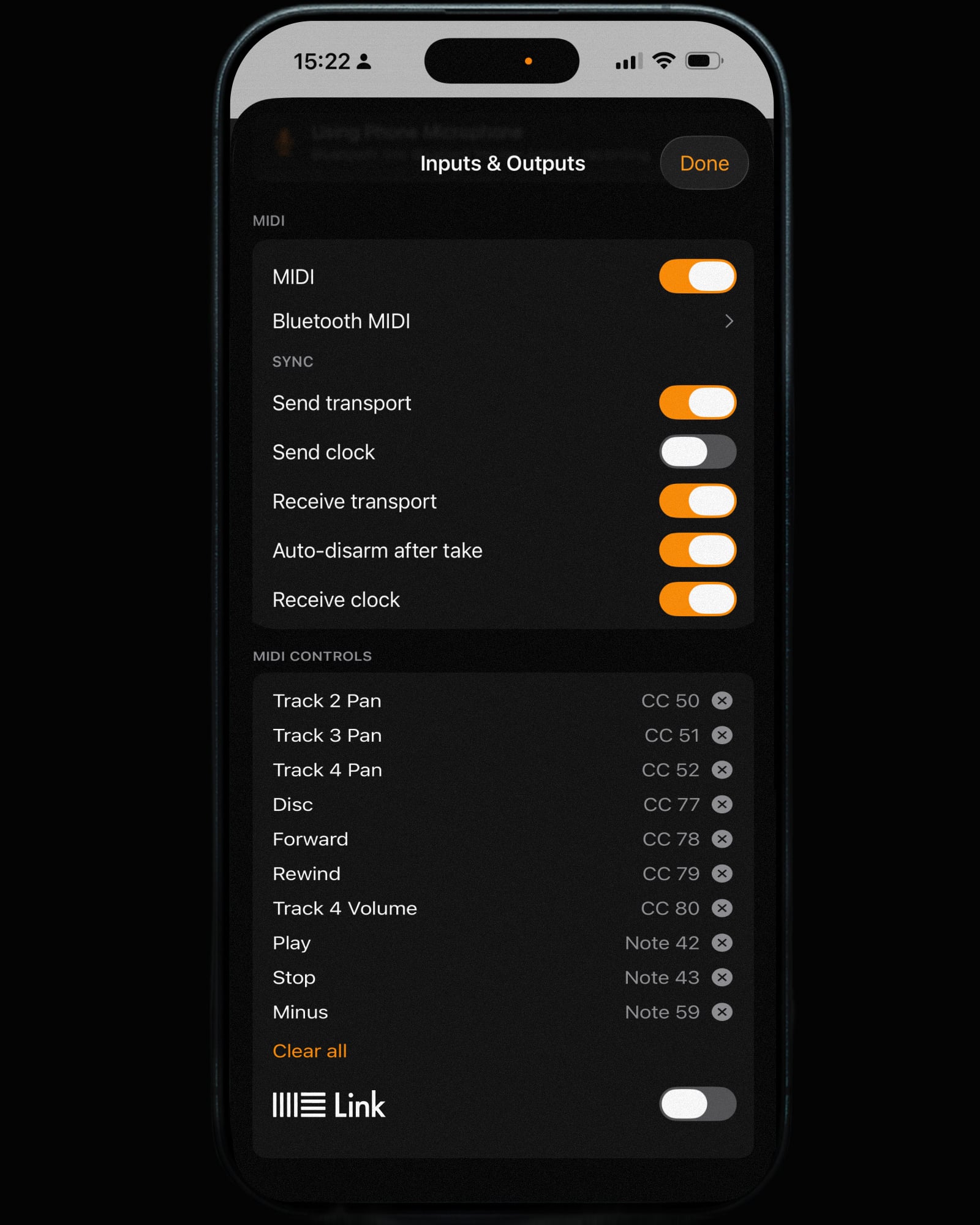
Plays well with others
MIDI sync, learn and connect. Wired over USB.
Wireless with BLE or Ableton Link.
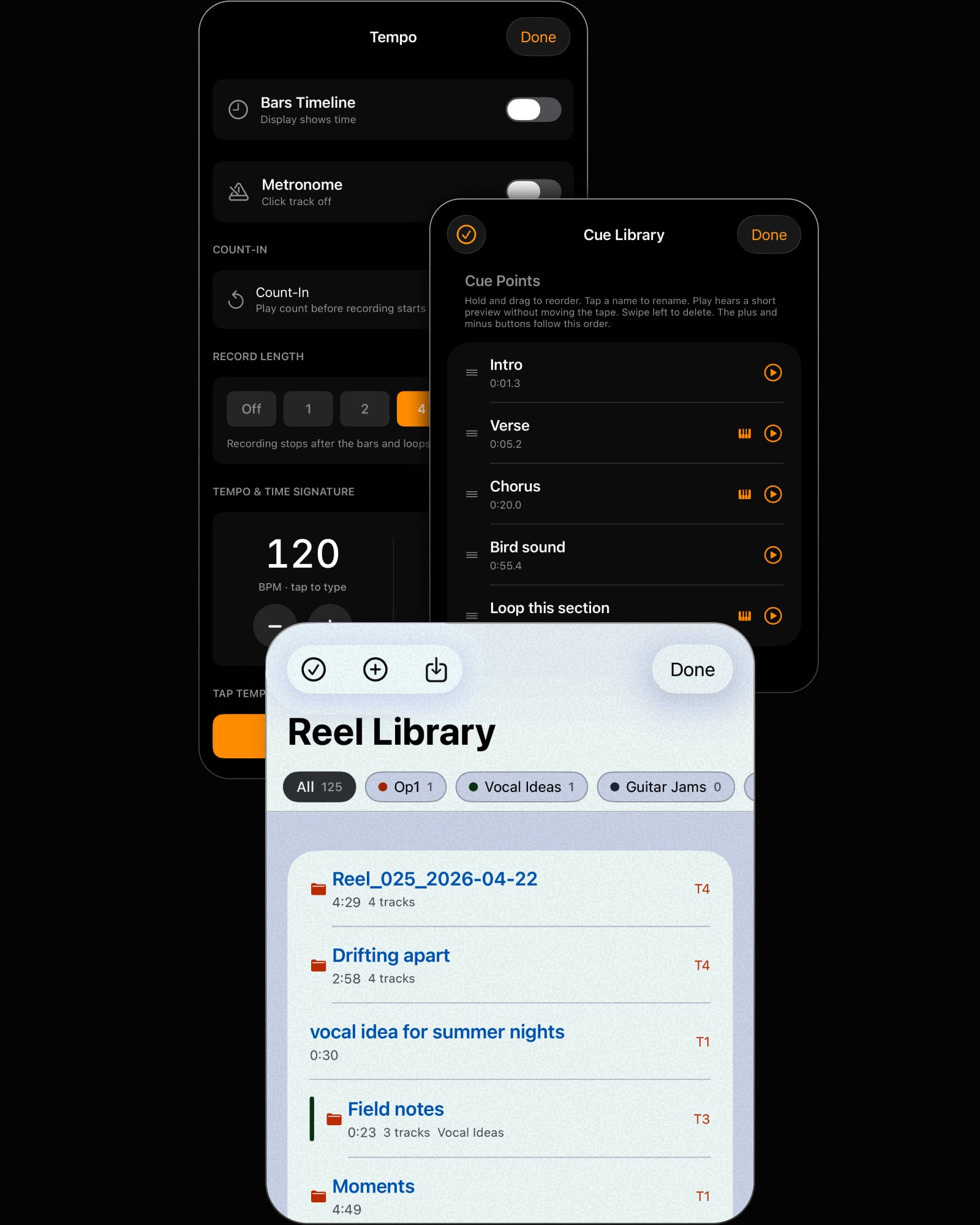
Everything you need. Nothing you don't.
Tempo. Cues. Library.
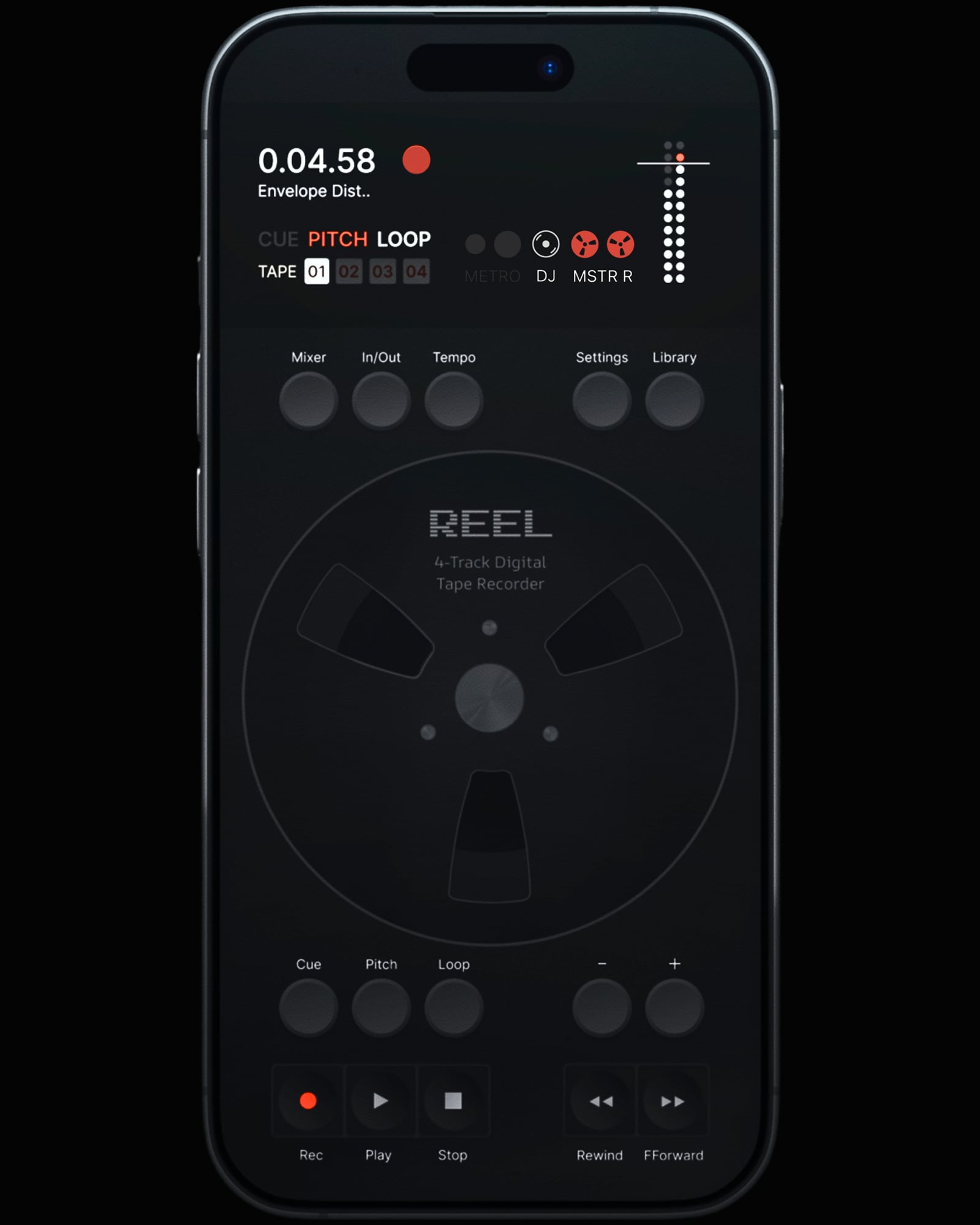
After hours
Your recordings become the record.
Master Record prints any performance.
What people are saying
4.8/5 · 300+ ratings on the App Store
"I own a number of non-DAW recorder apps - AUM, WavePad, AudioRecorder, Spire (+ it's hardware) and of course Audiobus. All good apps still in use on my iPad. But Reel is at another level - try it, you won't be disappointed."
"I've owned a TP-7 for almost a year now, and it's the closest thing I've seen so far."
"Reminiscent of Dieter Rams, Braun, and Teenage Engineering. But it outstrips any competing audio apps by miles."
"Using it with my MPC and SP-404 MK2. The vari speed is a favourite. For v1.1 it feels solid and finished. 10/10."
Specs
Audio
- 4-track recording
- 32-bit float
- Up to 96 kHz
- 8-in / 10-out routing
- WAV, AIFF, M4A
- Stems export
Connect
- iPhone, iOS 18+
- USB class-compliant interfaces and instruments
- MIDI sync + MIDI Learn
- Bluetooth MIDI
- Ableton Link
Workflow
- Multitrack recording
- Overdub & punch in
- Looper
- Reverse
- Quick Record
- DJ Mode
- Master Record & Resample
- Variable + semitone pitch
- Jog wheel scrub
- Tape start/stop modes
- Mixer
- Tempo & bars timeline
- Metronome
- Custom time signatures
- Cue library
- Library & tags
- Add to Track & bounce
- Audio & video import
- Share & cloud storage
- Per-project memory
- Voice isolation
- Dark mode
Coming next
- Effects
- AUv3
"Saves carrying a
Tascam about."
Start
recording
Pocket multitrack. Anywhere you go.
1.5 Update out now
One time purchase.
Questions
Will it work with my audio interface?+
Yes. Reel works with any class-compliant USB interface or instrument. Plug in and it auto-routes.
Do I need an interface?+
No. The built-in iPhone mic works out of the box. An interface adds stereo input and higher quality when you want it.
Can I overdub or punch in on multiple tracks at once?+
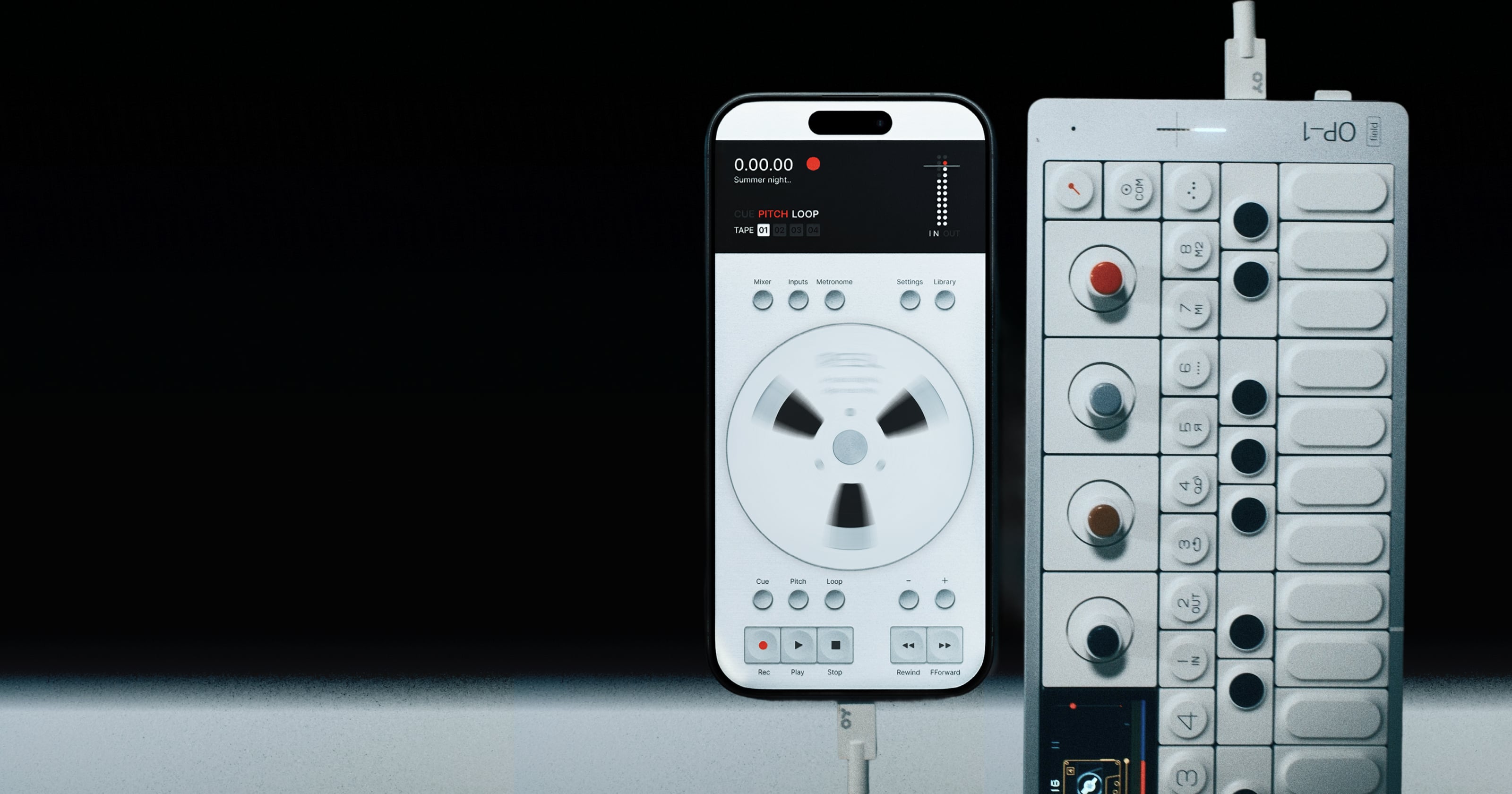
A fresh reel records up to 4 tracks at once. Simultaneous multitrack needs a USB audio interface or a class-compliant instrument with multi-channel output, like the OP-1 Field. From there it works like tape: overdubs and punch-ins go one track at a time while the others play back.
Can I record more than 4 layers?+
Yes. Bounce or resample your tracks down onto one, then keep overdubbing the tracks you freed up. The classic tape workflow.
Where are the record arm and monitor buttons in the mixer?+
On smaller iPhones and on iPad, the mixer opens in a compact view. Tap the black display at the top of the mixer to extend it and the record arm and input monitor buttons appear. On larger iPhones the full mixer is already visible. The arm and monitor buttons also only show when a multi-channel audio device is connected.
Can I export stems?+
Yes. Export the full mix or the individual tracks, as 32-bit float WAV or AIFF, or as M4A.
Is it a subscription?+
No. One time purchase. No subscription, no ads.
Is there an iPad or Android version?+
Not yet, but both are on the way. Sign up to the newsletter below for early access.
What do I need to run it?+
An iPhone on iOS 18 or later.
Does it work on the iOS 27 beta?+
Not officially yet. Reel is built and tested against the current public release of iOS, so the beta is not supported while it is still in beta. Full support lands when iOS 27 is publicly released. If you are on the beta and hit a problem, email support@reelaudio.app and we will get it fixed in time for release.
More questions? Visit Support